Multi-app porter.yaml, Improved CLI and Audit Logs, Faster Docker Build Times

Porter.yaml now supports multi-application deployments and the Porter CLI has been improved. We've also introduced a new GPU instance type available for Porter users, along with faster build times for dockerfiles.
Multi-application porter.yaml
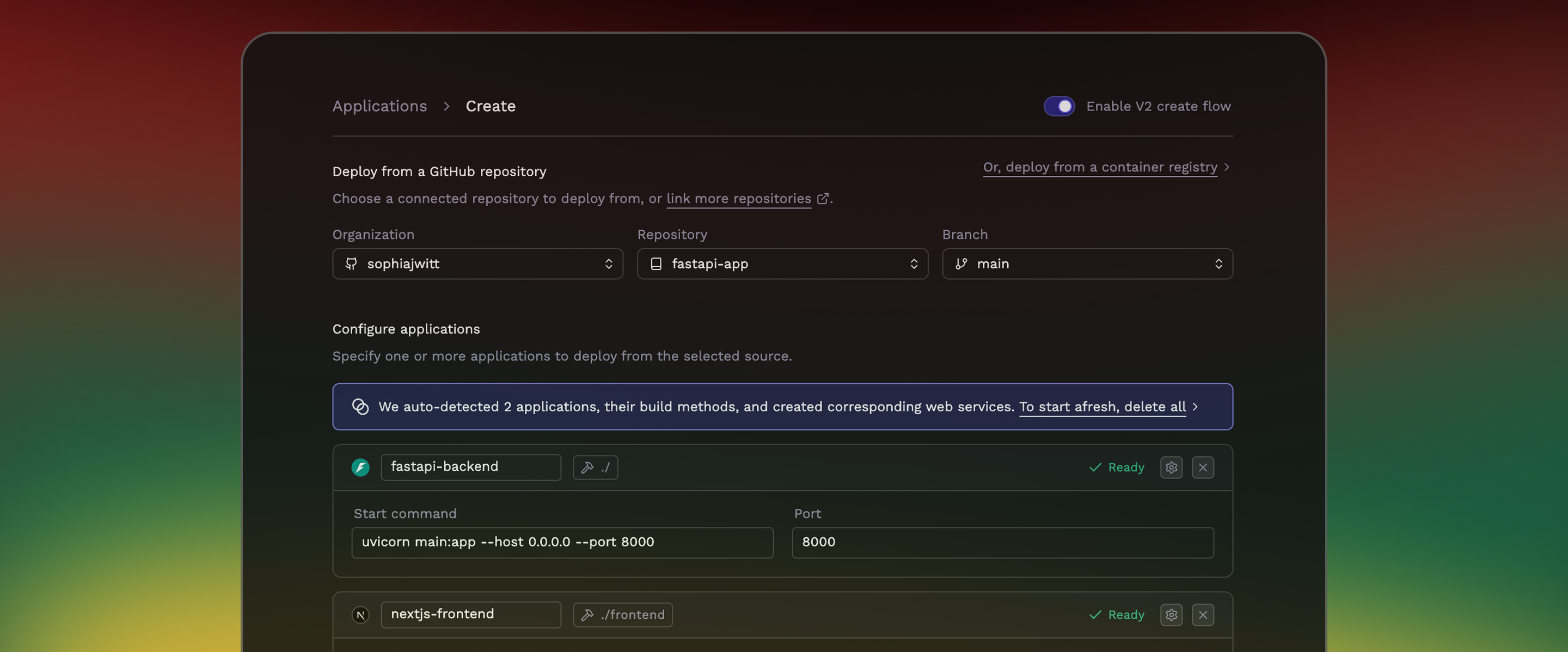
From one location and using Gitops best practices, users can now deploy and manage multiple, different docker images (multiple Porter apps) from a single file.
Users can also deploy development instances of Redis and Postgres in the same file, with support for Porter-managed production datastores and for deploying custom helm charts coming soon. More info here.
Faster Docker Build Times
We’ve added functionality for caching every stage of users' Docker builds, resulting in up to a >25x improvement in build times for builds using dockerfiles.
Please let us know if you’re using dockerfiles and would like this enabled or have any questions about converting from buildpacks to dockerfiles!
Cheapest AWS GPU
While Porter already supports most instance types available on AWS/GCP/Azure, a noteworthy recent addition is the g5g.xlarge instance type - the least expensive GPU instance available on AWS! This instance type is only supported in select AWS regions, however.
If an instance type you’d like to use on AWS/GCP/Azure is currently unavailable for use via Porter, please let us know and we’ll add it.
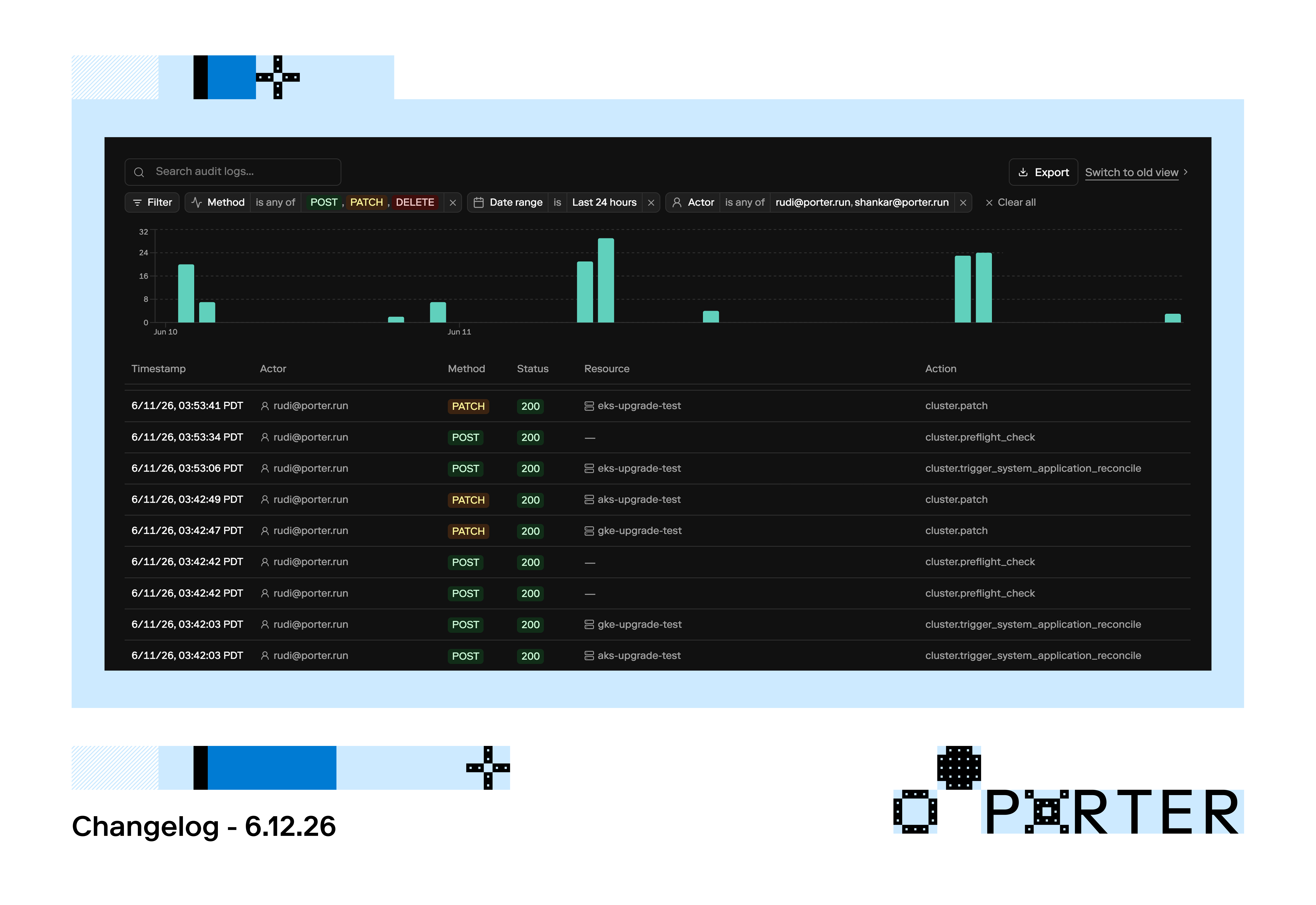
Audit Logs Update
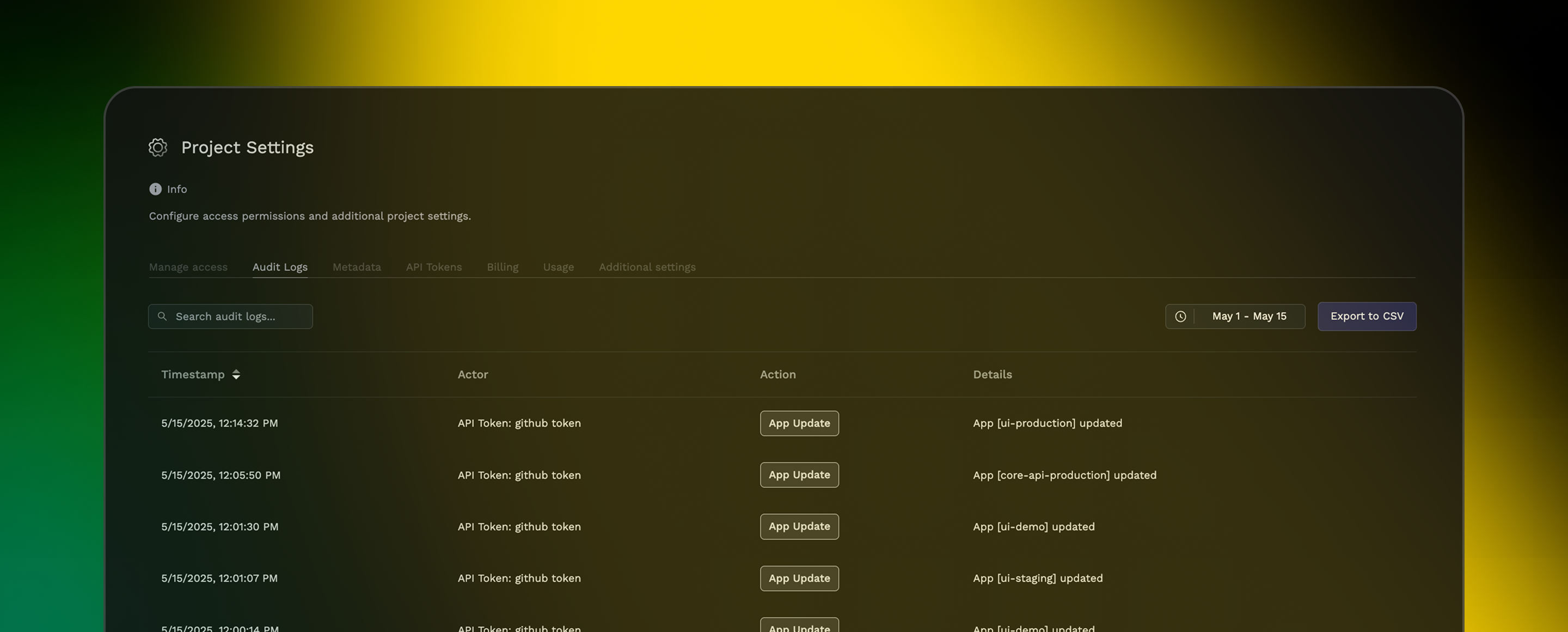
Users can now filter audit logs by date and export to CSV. Audit logs now show the specific Porter operator who performed an action as well.

CLI Updates
Revamped Logs
Users can now view historical logs, with more filters, rather than only having access to a live stream of logs. More info on the porter app logs command here.
Improved Job Support
Users can now run jobs via the porter app run command (docs here) and get visibility into historical job runs (docs here).
Equivalent functionality via the Porter API is in the works.